Back to FAQs
How can I add or post a new Job in Gappeo.ai?
- To post a new Job in Gappeo.ai login to your account using your registered email address and password.
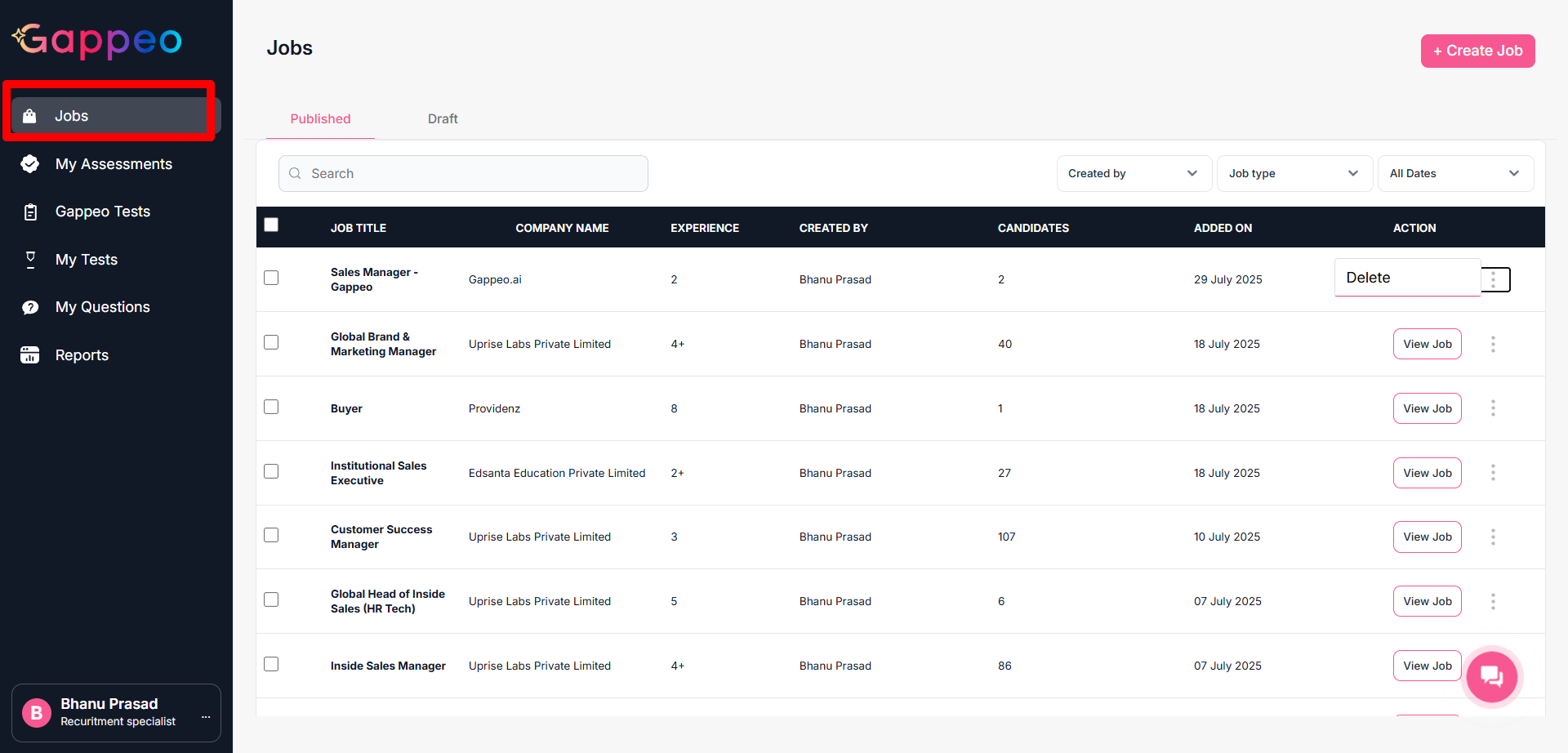
- Once done, you will be redirected to the job page.
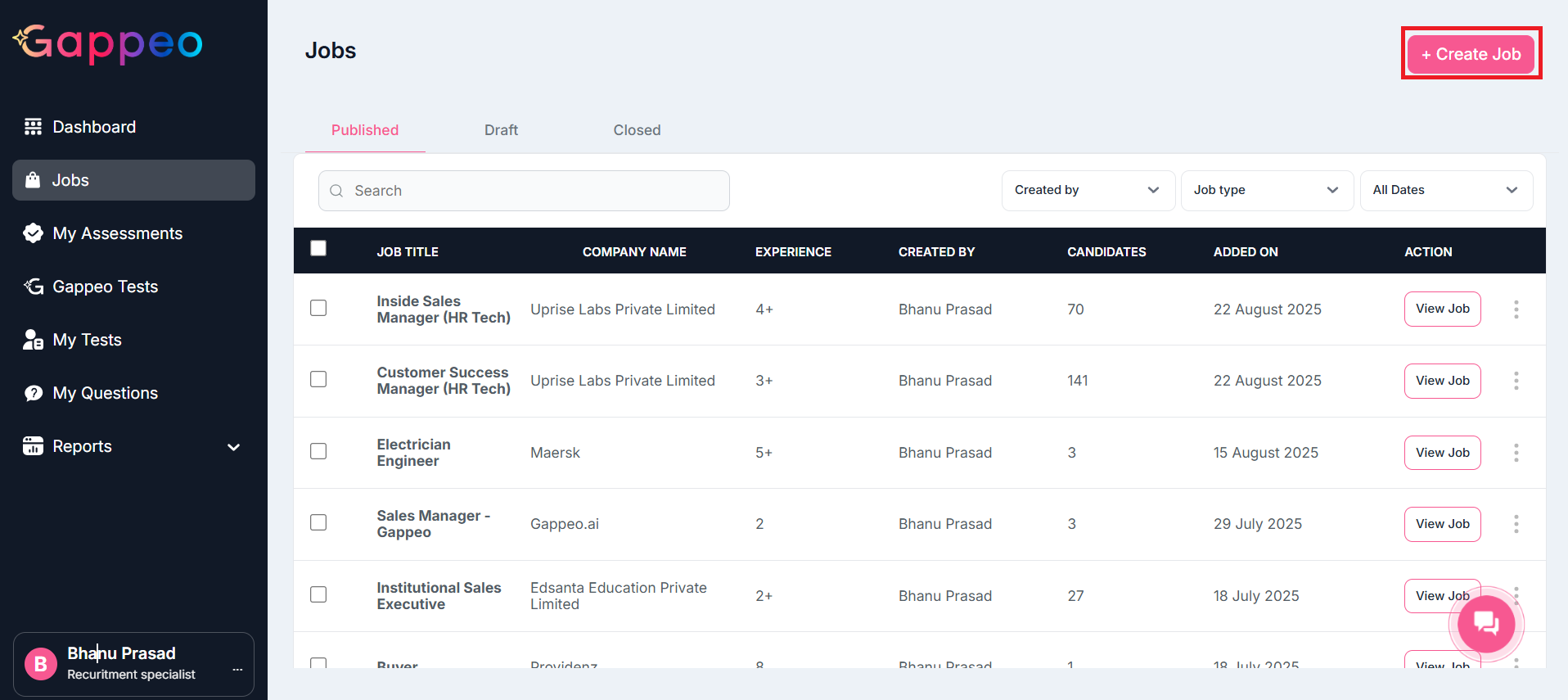
- On this page, click on the Create Job Button on the top right corner, as shown above.
- Now you will get an option to add the job, as below:
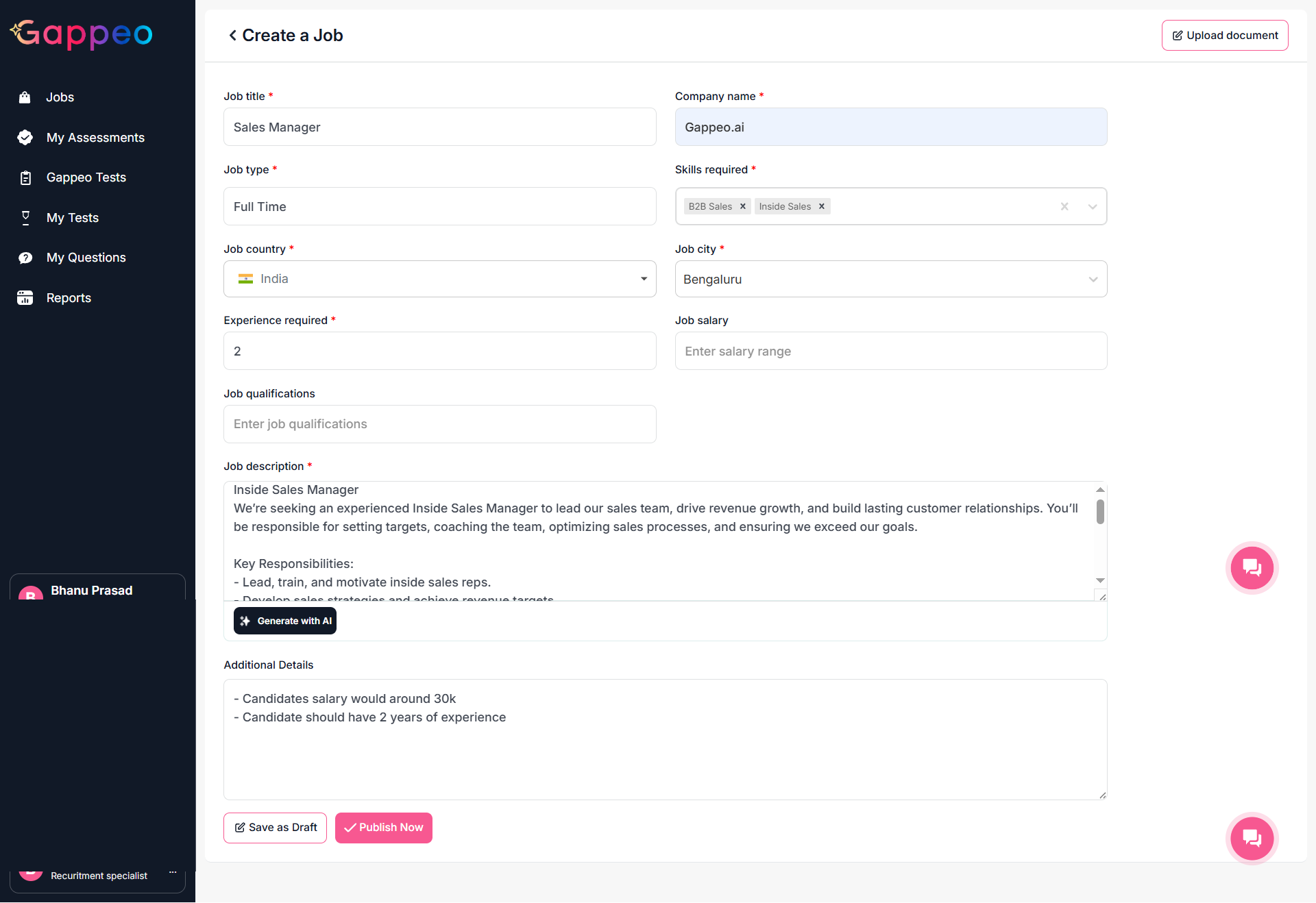
- Enter the details for the job that you want to add or post.
- For Job Description, Gappeo.ai also provides an option to add description using AI. To do so, first you need to Save a Job as Draft. Click on the Save as Draft button, to do so.
- This job will appear in Drafts Option.
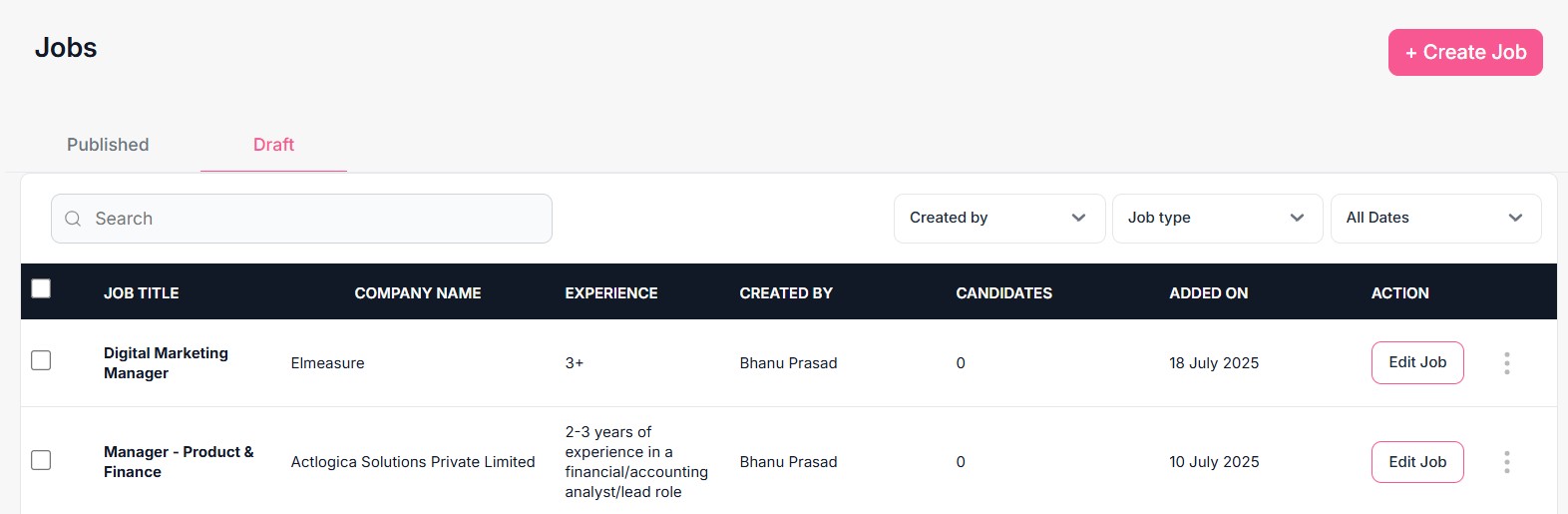
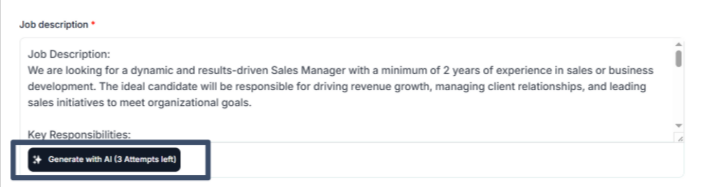
- To use the Generate with AI, option click on the Edit Job. You will get 3 attempts to generate a job description using AI. Click on the button shown in the below image to do so.
- Once this is done, you can finally click on the Publish Now button to get this job published and live.
- The Job will appear in the Jobs Menu as shown below: