
 Back to FAQs
How can I change the password for my Gappeo.ai Account?
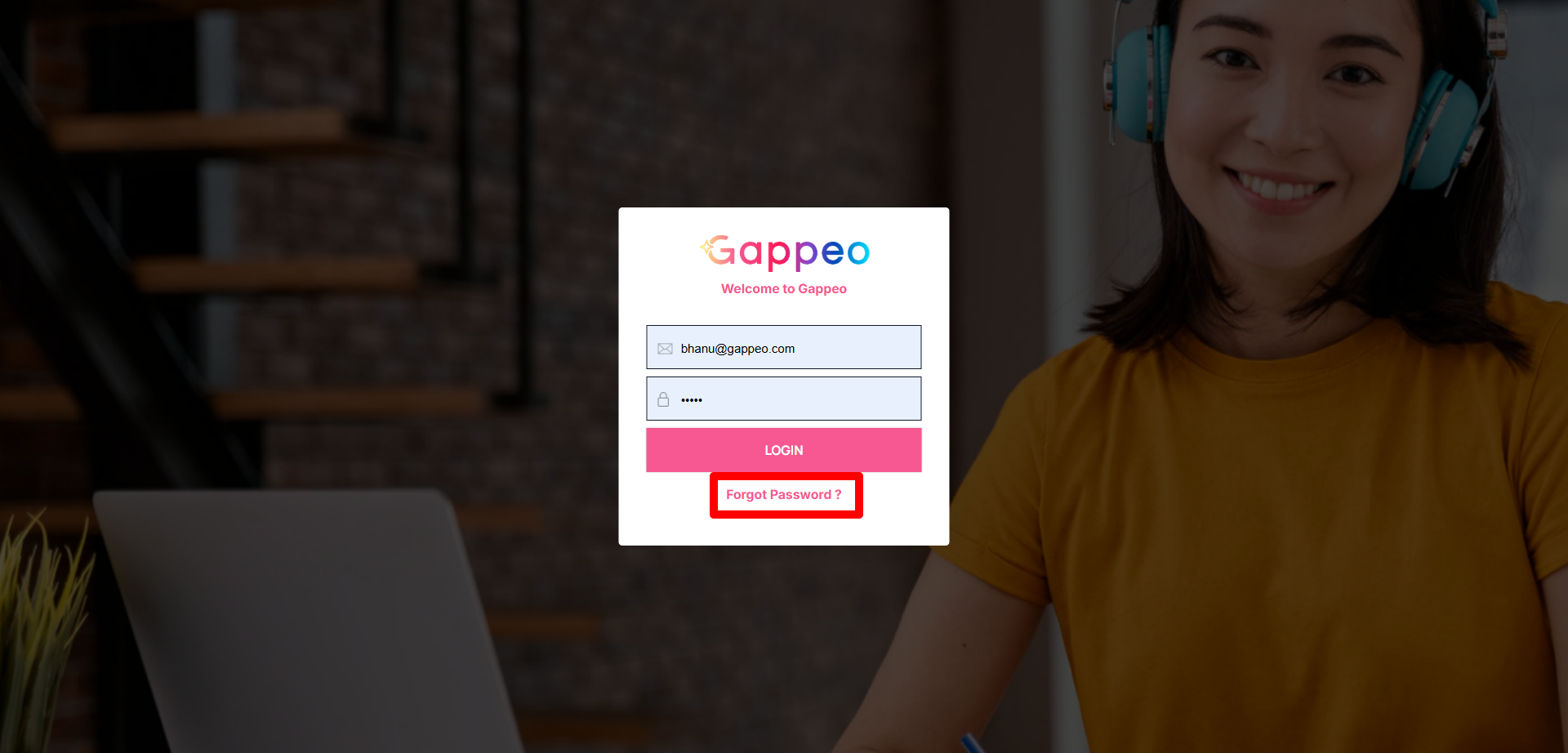
- To change the password, first go to app.gappeo.ai.
- Then click on the Forgot Password link.
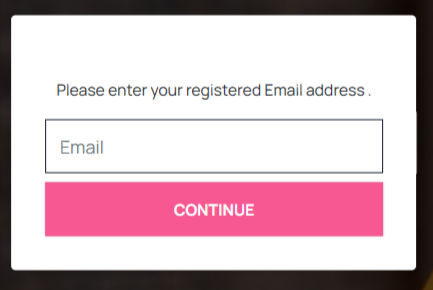
- Once you click on the above link, it will move to a page asking for your registered email id.
- Once you enter your registered email address, it will share an OTP to that email id.
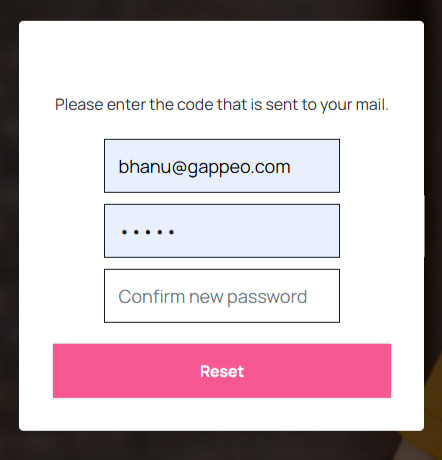
- Enter the OTP and new password twice, then click on the Reset button. Once done your password will be changed.
