
 Back to FAQs
How to export the list of candidates with resume scores?
- To export the list of all the candidates for a particular job.
- Firstly select the job, click on the View job button.
- Then click on the View Candidates button, to select the list of all the candidates.
- Once done, click on the Export button on the top.
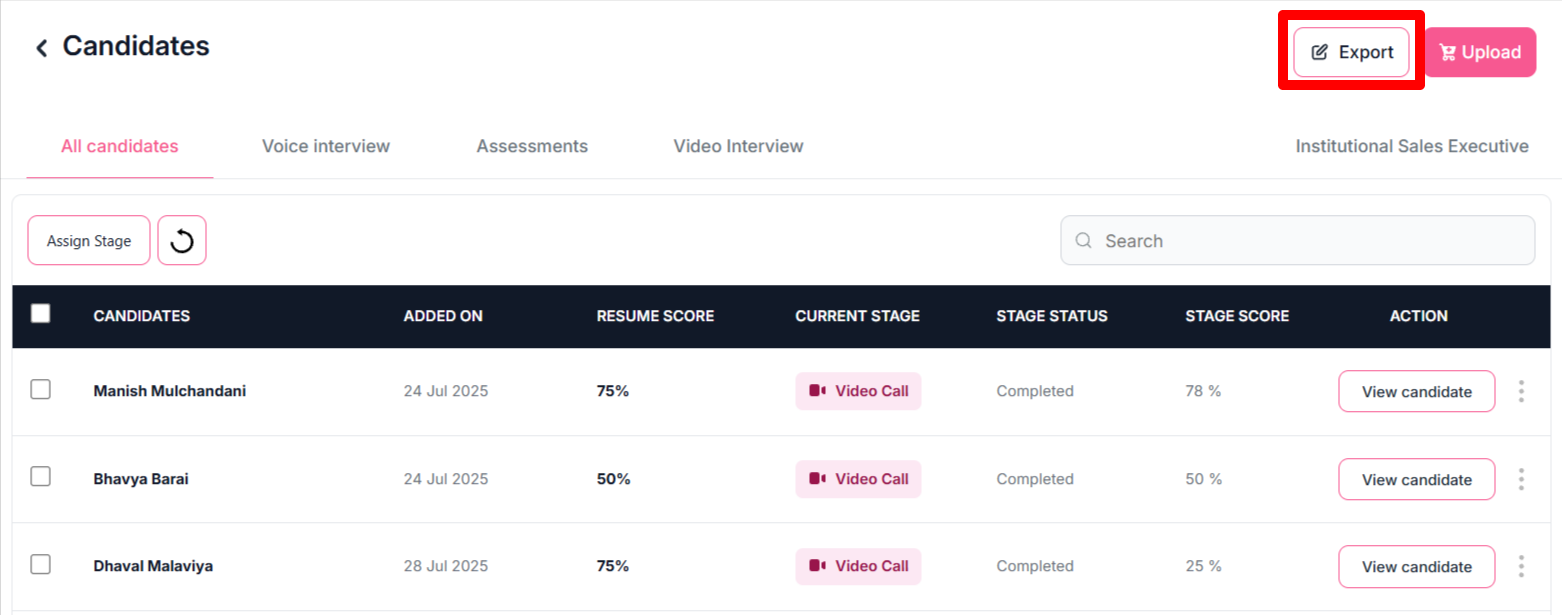
- Once you click on that button, it will export a CSV file containing the list of all candidates along with their resume scores and respective stage scores.
